




Child Safety QR
If they’re found, you’re the first to know.
A quiet tag on the uniform, school bag or wrist band. Whoever finds your child scans it with an ordinary phone camera — and your phone rings, with their location attached. No app for them, no personal details on the tag.

On the shirt, ready to scan
The sticker as it is printed, and how it looks on a child out for the day.
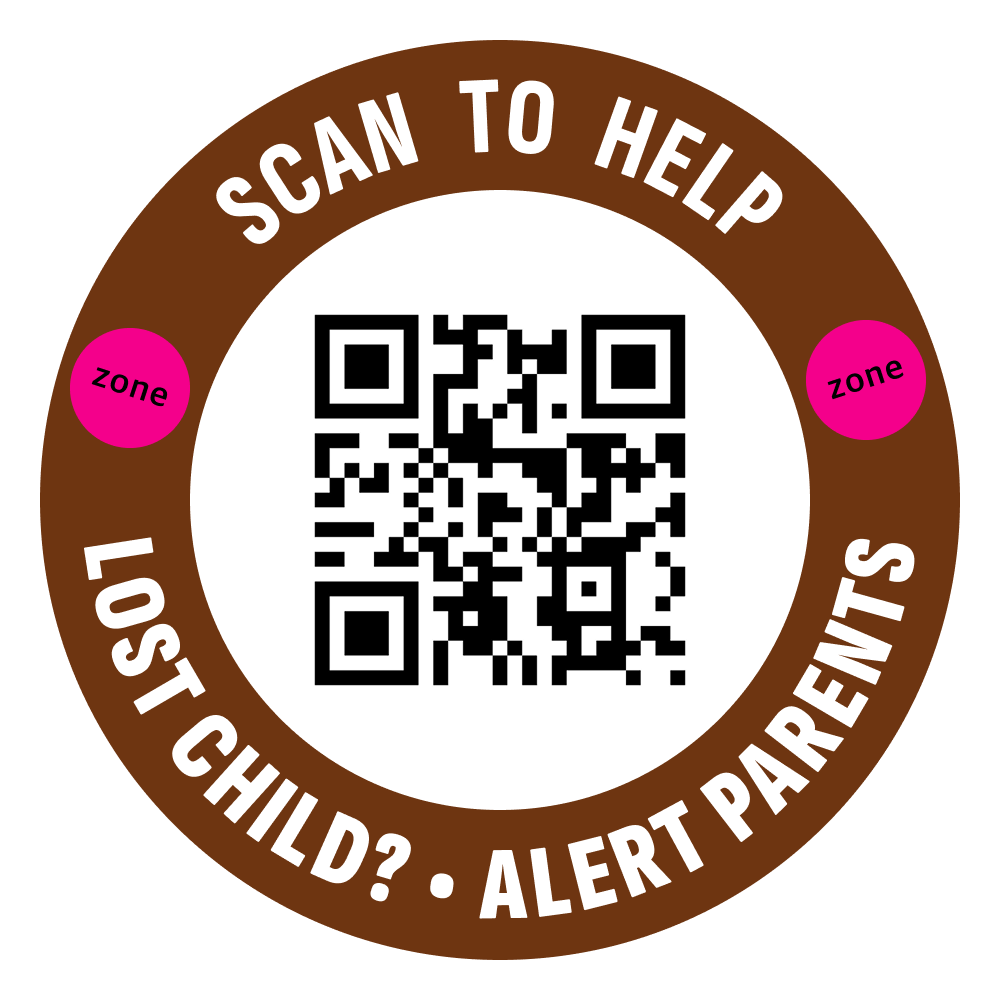
The Child Safety sticker — “Lost child? Alert parents.”
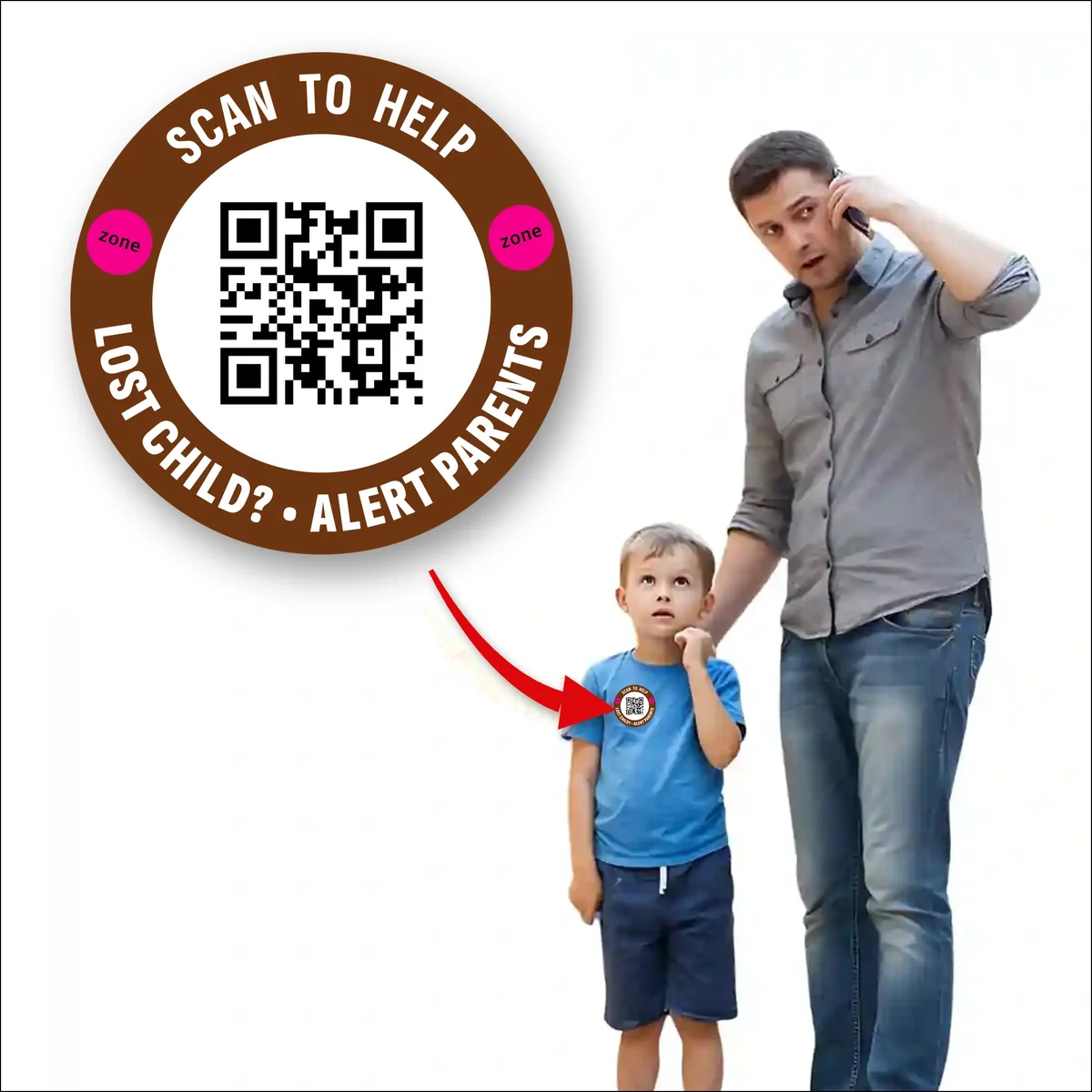
Sticks to a t-shirt, uniform or school bag
Built for the moment it matters
Everything below is on by default. There is no configuration to get wrong on the day you need it.
Nothing identifies your child
The tag carries an opaque code. A stranger sees no name, no school and no address unless you choose to share it.
Alerts in seconds
The moment the code is scanned, every guardian on the profile gets a push, an SMS and a call.
Location with every scan
Each alert carries the approximate location of the phone that scanned, so you know which direction to head.
Verified finders
The finder confirms their own mobile number before they can reach you, so there is a real person behind every scan.
Masked two-way calling
You and the finder talk over a relay number. Your real number is never shown, during the call or after it.
One profile, many tags
Iron-on labels, bag tags, wrist bands, shoe stickers and the back of an ID card can all point at the same child.
Three steps, no app
Link the tag
Scan your own tag once in the DD Zone app and attach your child’s profile and the guardians who should be alerted.
A finder scans
Their phone camera opens a plain page: this child is being looked for, and one button to alert the family.
You take over
You get the alert with the scan location, then speak to the finder on a masked call and go collect your child.
Made for the
first ten minutes
Alert every guardian at once
Mother, father, grandparent, driver — everyone on the profile is notified together, instead of hoping one phone is reachable.
Medical notes where they help
Optional blood group, allergy and medication notes can be shown to whoever is helping, so first responders are not guessing.
Landmarks, not addresses
Point the finder at the school gate or a nearby landmark for a safe handover without publishing where you live.
A history you can revisit
Every scan stays in your log with its time and place, so nothing depends on remembering the details afterwards.
Questions parents ask first
Does my child need to carry a phone?
No. The QR is printed, not powered — there is nothing to charge, nothing to lose signal and nothing worth stealing.
What does a stranger actually see?
A page saying the child is being looked for, a button to alert the family, and the optional notes you decided to show. Your name and number are not on it.
Can I turn a tag off?
Yes. Deactivate it in the app and it stops resolving to your family immediately — useful when a uniform is passed on or a bag is replaced.
How is this different from a GPS tracker?
A tracker tells you where a device is. Zone Guard connects you to the person standing with your child. Many families use both.
Ten minutes is a long time when you are looking.
Order a set of tags, link them to your child’s profile in the DD Zone app, and they start working the moment someone scans.